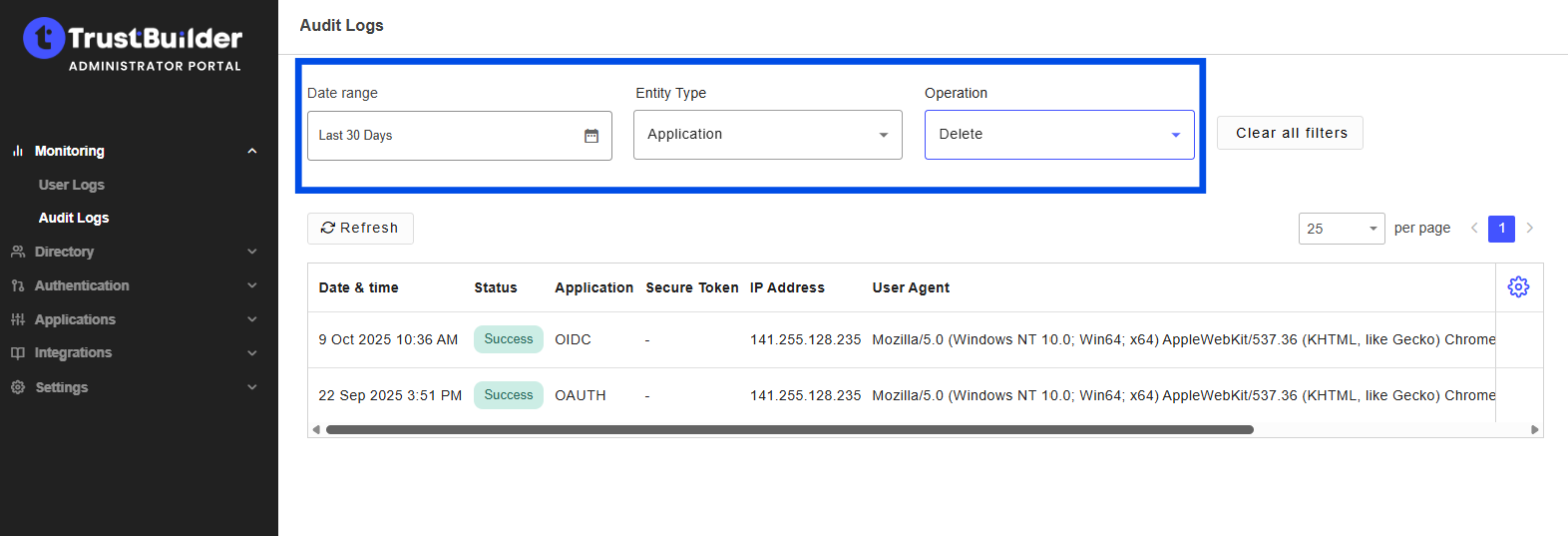
Logs provide administrators with an history of events within the platform.
To access logs:
-
Go to Monitoring.
-
Choose the type of logs you want to inspect:
-
Users logs → user-related activities.
-
Audit logs → allow to filter audit logs by Entity Type in order to audit configuration operations
-
-
Click on any log entry to open the event details panel:
|
Information |
Description |
|---|---|
General
|
|
|
Date & time |
The exact timestamp when the event occurred. |
|
Operation |
The action that was performed. |
|
Target |
The entity or resource involved in the operation. |
|
Category |
The type of resource concerned by the event (USER, CERTIFICATE, APPLICATION,MFA_SECRET_CODE,FIDO_KEY, …). |
|
Performed by |
The user or system that performed the action.
|
|
Status |
The result of the operation (success or failed). |
|
Information |
Additional descriptive details about the operation (e.g., what changed, business context). |
|
Correlation ID |
A unique identifier used to trace and group related events. It allows to trace the complete sequence of operations (for example, all steps of a user authentication). |
|
Workflow Instance ID |
This parameter is not used. It is for future use. |
Error Information
|
|
|
Error message |
An error message if the operation failed. |
|
Error code |
The reason code of the error. |
Application
|
|
|
ID |
The unique identifier of the application to be accessed. |
|
Type |
The type of application to be accessed (e.g: OIDC, OAUTH, SAML,…). |
FIDO Key
|
|
|
ID |
The unique identifier of the FIDO key registered for the user. |
|
Model (AAGUID) |
The Authenticator Attestation GUID an identifier assigned to each key model. |
|
Model name |
The human-readable name of the authenticator model. |
|
User verification Method |
A FIDO2-specific parameter that describes how the authenticator verifies user presence or identity (fingerprint, PIN, biometric, or none). |
|
Authenticator Attachment |
A FIDO2-specific parameter that specifies how the authenticator is connected to the user’s device (platform or cross-platform). |
|
Authenticator Transport |
A FIDO2-specific parameter that describes the communication method used between the authenticator and the client device (usb, nfc, ble, internal: built-in platform authenticator). |
Context
|
|
|
User Agent |
Information about the client application, browser or device used during the operation. |
|
IP Address |
The source IP address from which the request originated. |
|
Request URL |
The endpoint or URL that triggered the event. |
|
Performed Type |
Indicates whether the event was triggered by:
|
Secure Token
|
|
|
Type |
The type of secure token involved. |
|
Library version |
The version of the internal library used in the secure token. This information could be useful for troubleshooting. |
|
Alias |
The alias of the secure token involved. |
Filters
By user
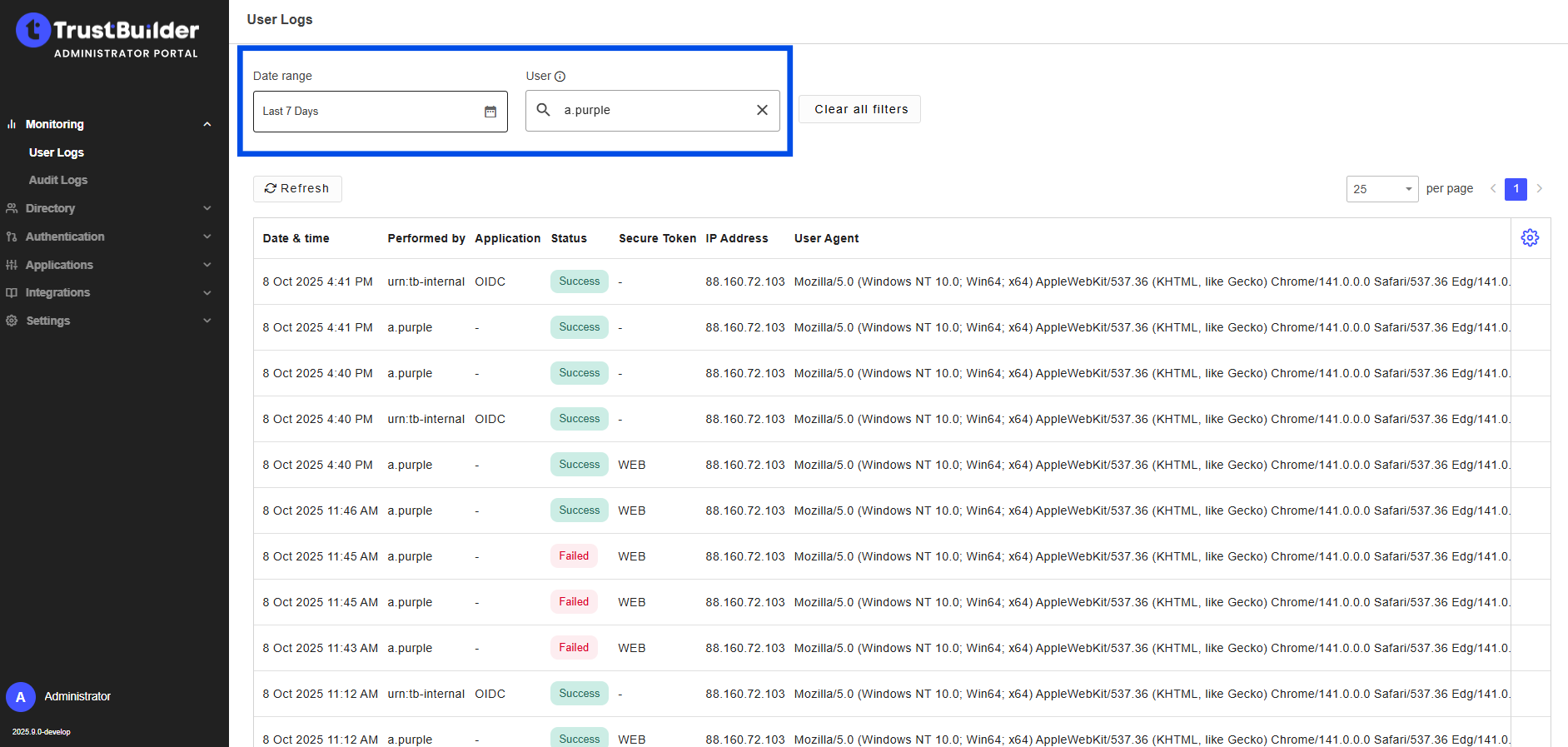
You can filter User Logs by all actions related to a specific user within a defined time period.
-
Select a Date Range.
-
Enter a Username.
The username must be entered exactly as it is registered in the system.
The search is not case-sensitive but any typo will return no results.
By Entity type and Operations
You can filter Audit Logs by operation on a specific entity type within a defined time range.
-
Select a Date Range.
-
Select an Entity type and an Operation.